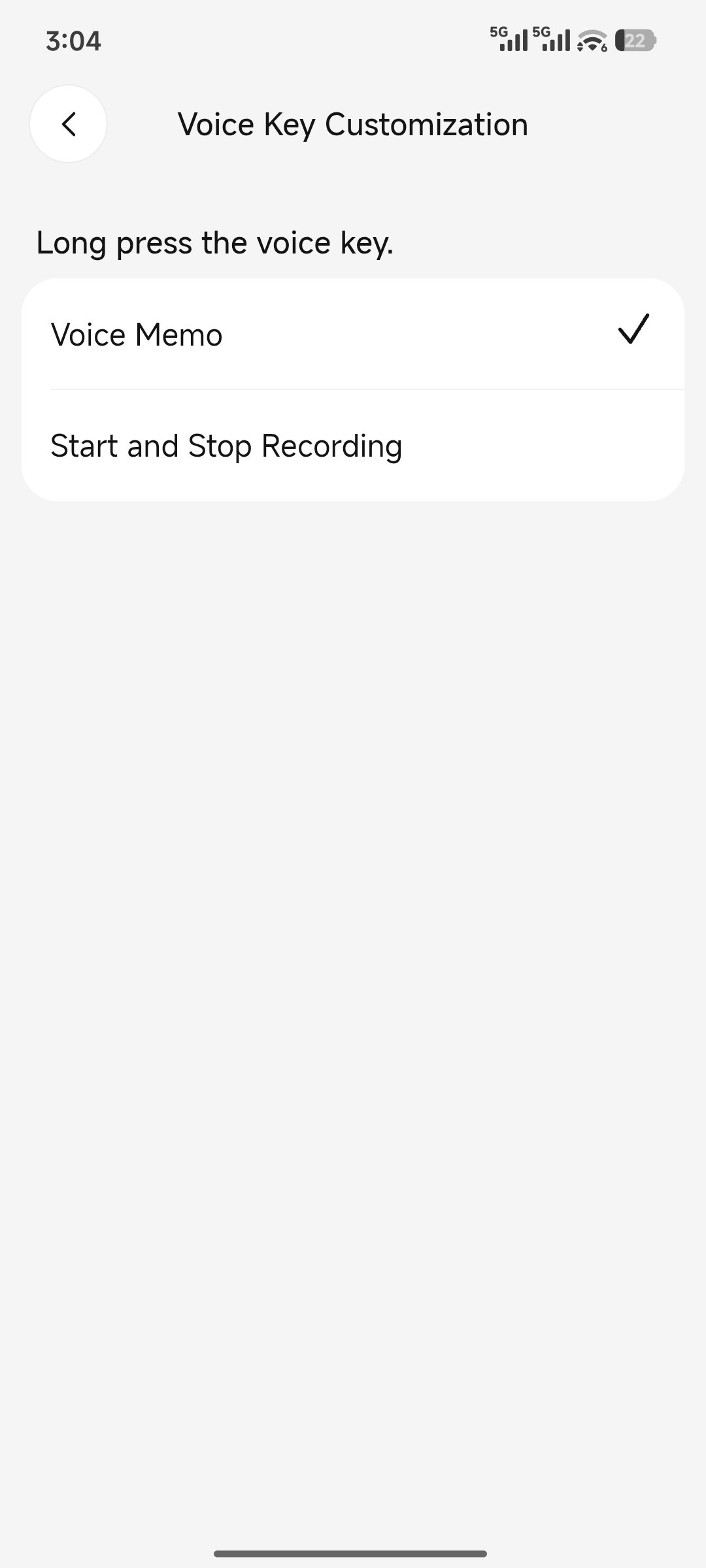
Record voice memos or customize the button as a transcription key
Overview
The circular AI Voice Button on the A1 device is designed for voice memos. Press and hold the button to speak and capture ideas instantly. Recordings are saved as voice memos in the app.
Scenarios
- You want to start or stop transcription directly with the voice button, enabling both buttons to initiate transcription.
- You prefer to save voice recordings to a specific location.
Procedure
1. Basic usage
Press and hold the voice button to speak and quickly capture ideas.
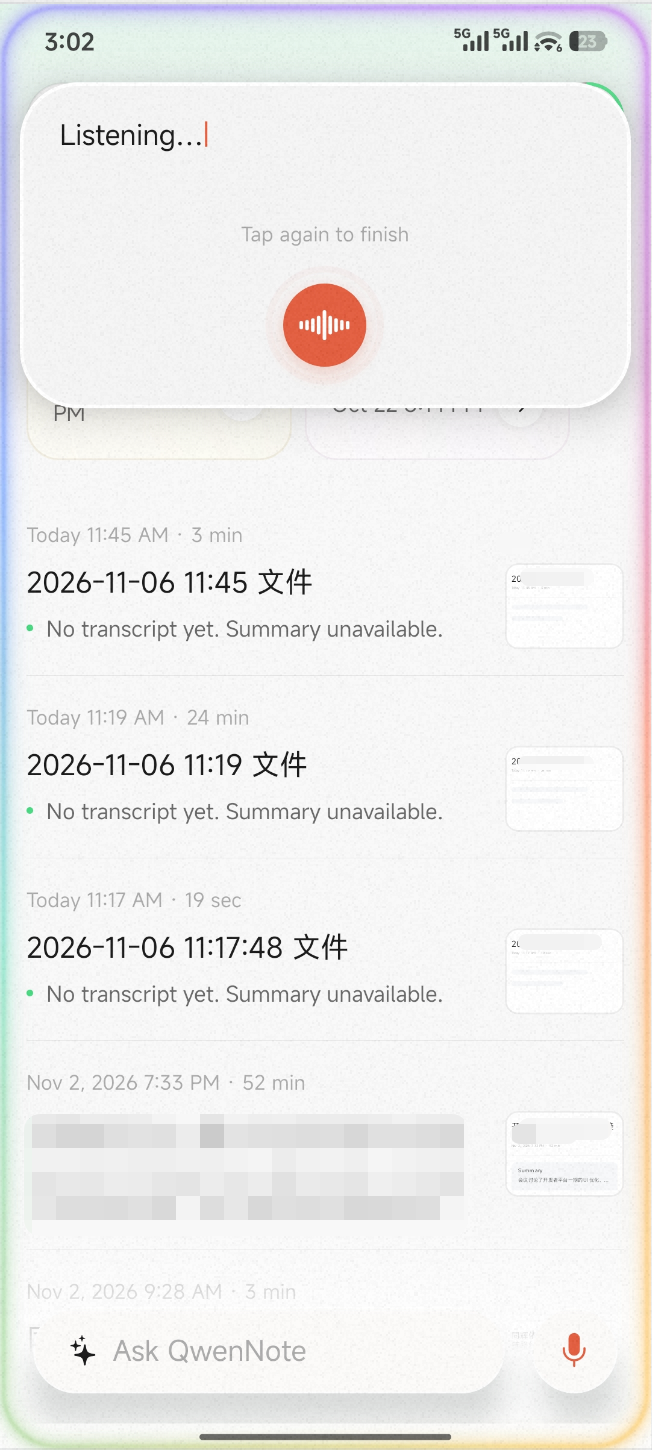
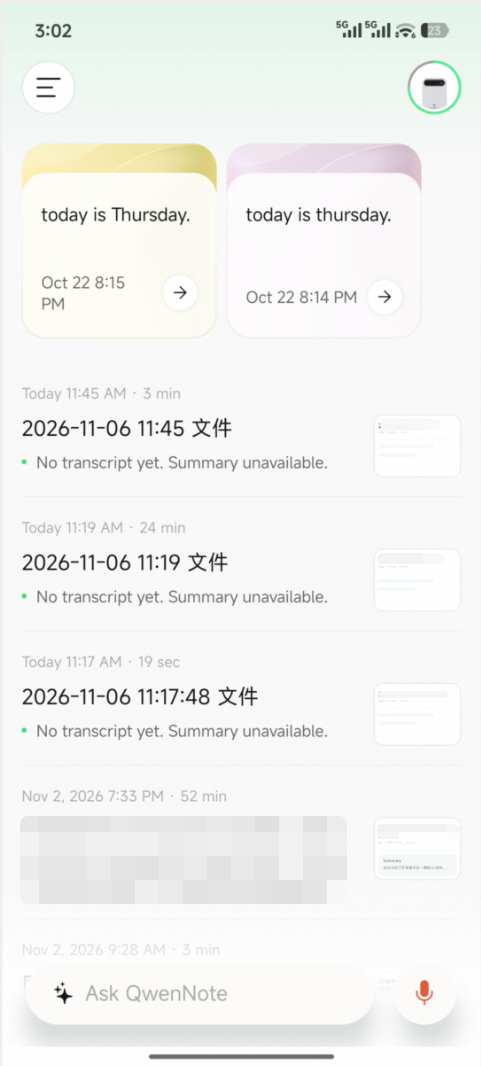
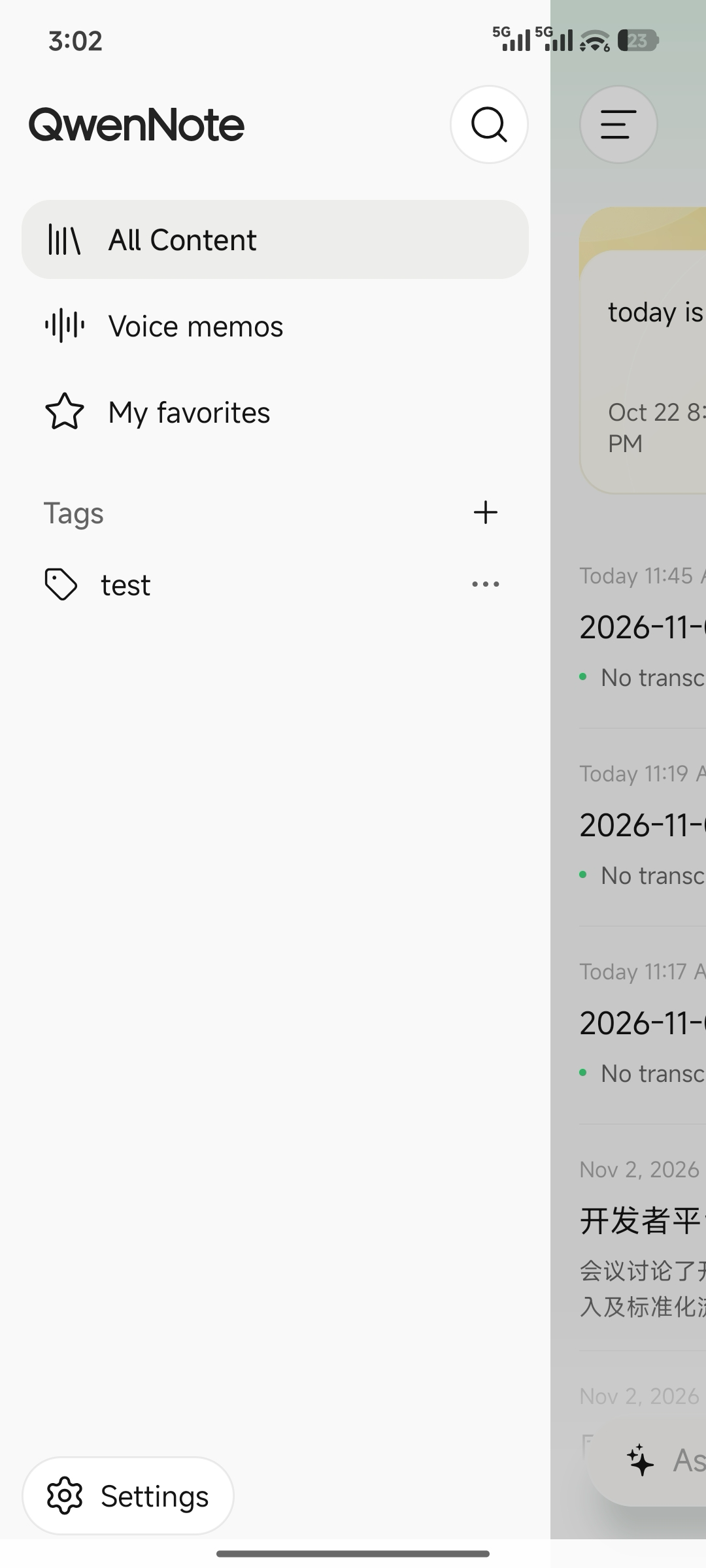
Note: If the device is not connected to the app, recordings made by pressing and holding the voice button are stored locally on the device. They sync automatically when you open the app and reconnect.
2. Customize the AI Voice Button
1
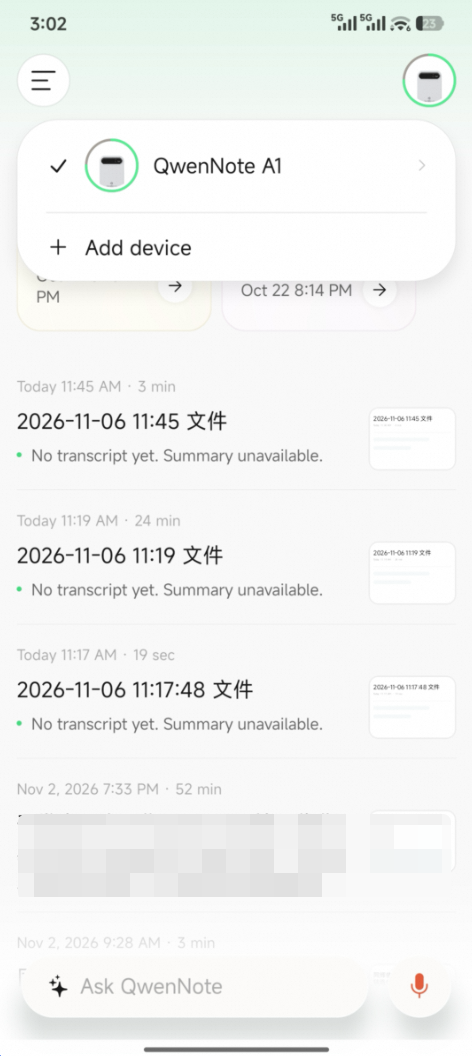
Go to the device settings page from the top-right corner of the home screen.
2
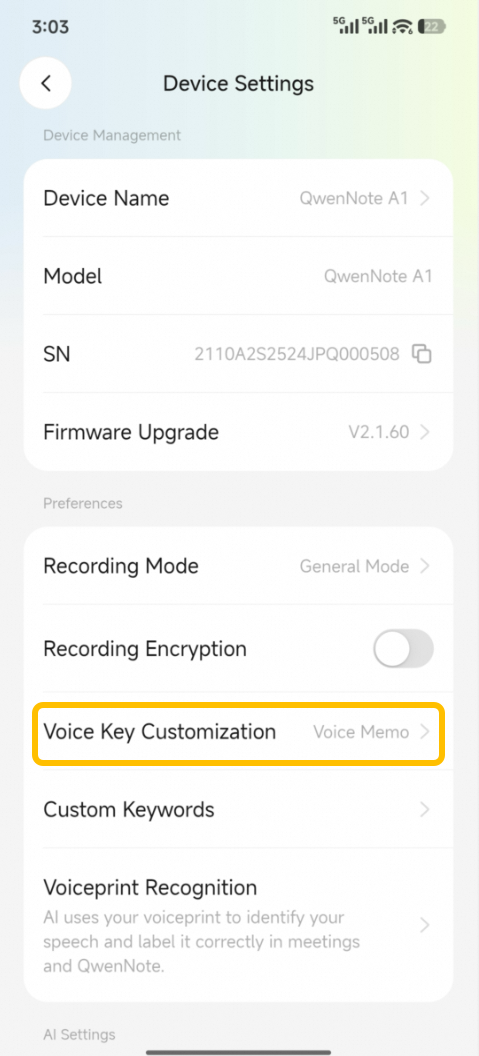
Scroll down and locate Voice Button Customization.
3
Switch the function to Start/Stop Transcription to match the behavior of the transcription button.