
Generate Minutes Automatically or Manually Using Templates
Overview
After recordings are synced to the app, AI minutes are generated automatically, including summaries, key points, and action items. You can also manually select a template to generate minutes.
Scenarios
- Quickly generate minutes after a meeting ends.
- Match different templates to specific scenarios such as weekly meetings, class notes, client visits, and interviews.
- Extract action items from recordings.
Procedure
1. Automatic Generation
After recording files are synced to the app via Bluetooth, AI summaries and analysis are generated automatically by default. If you prefer not to use automatic generation, switch to manual mode in Settings.
AI Minutes Generation Settings
2. Manual Generation
1
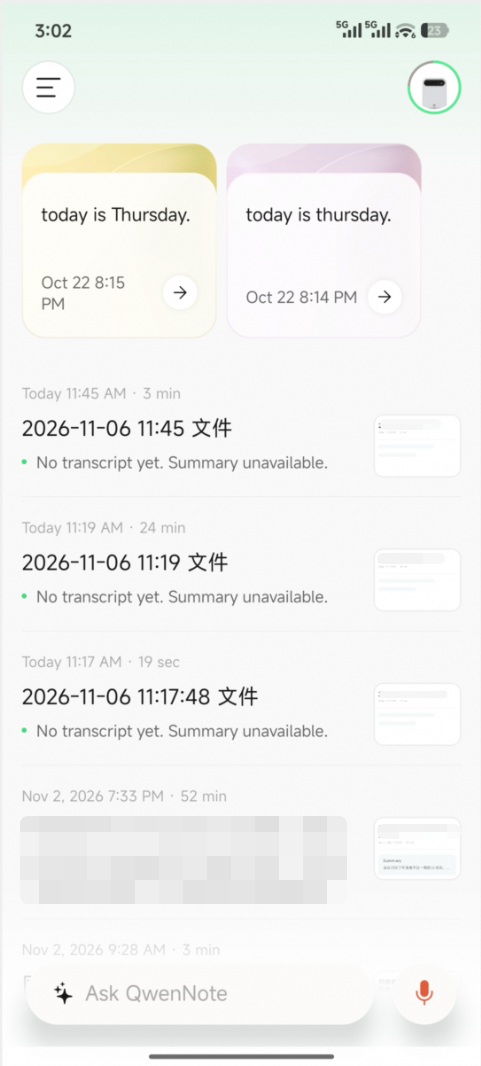
On the Recordings screen, tap a file to open its details page.
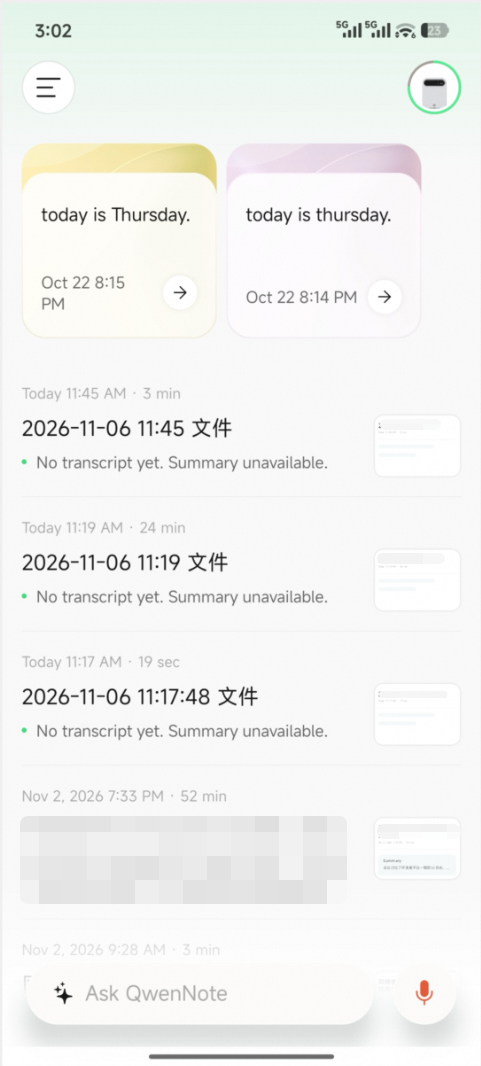
Recording Details Page
2
Tap the Generate button at the bottom.
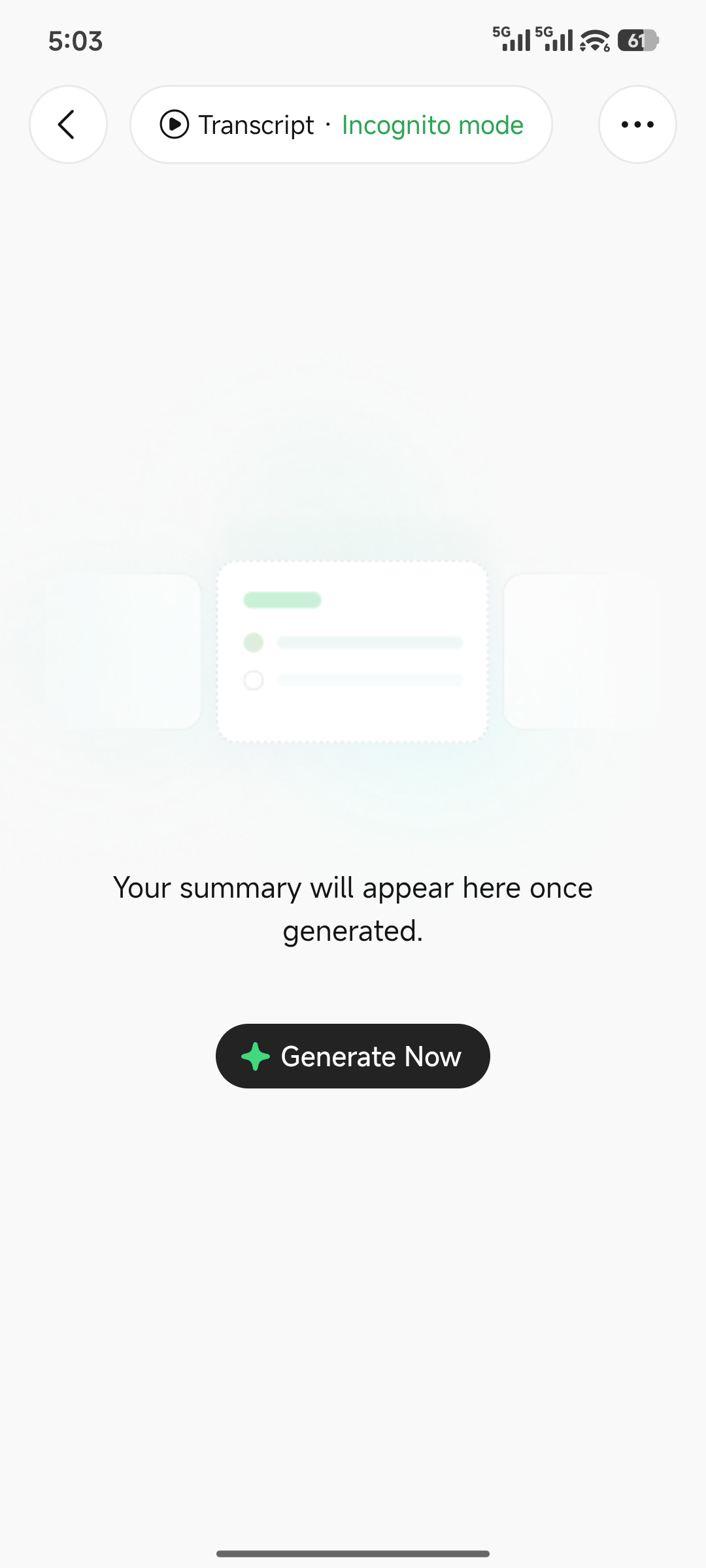
Tap the Generate Button
3
Select a template to generate immediately.
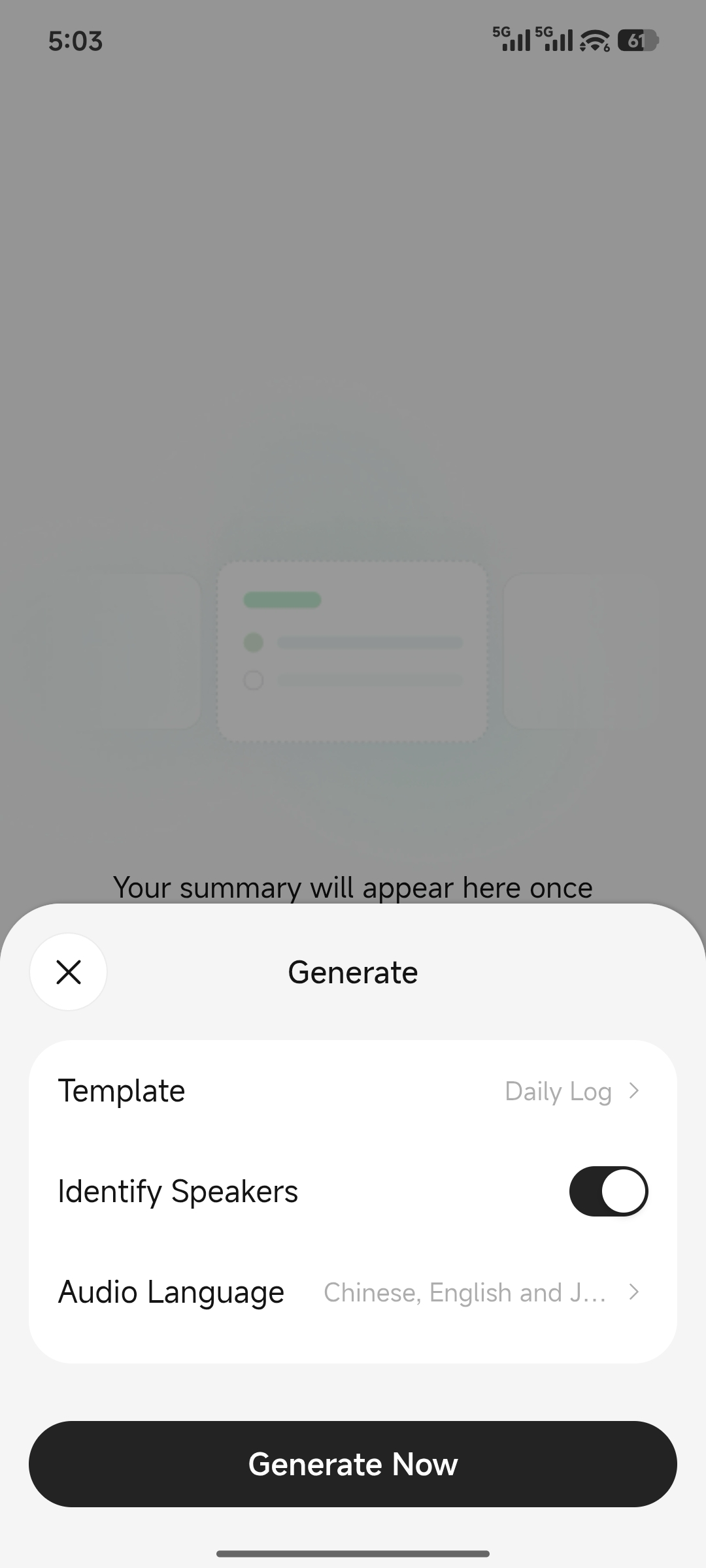
Select a Template and Generate Immediately
3. Switch Between Manual and Automatic Generation
Manual GenerationChoose whether to transcribe and generate minutes for each file, and select a specific template each time. This mode is ideal if you only want to transcribe important files and manage your quota precisely.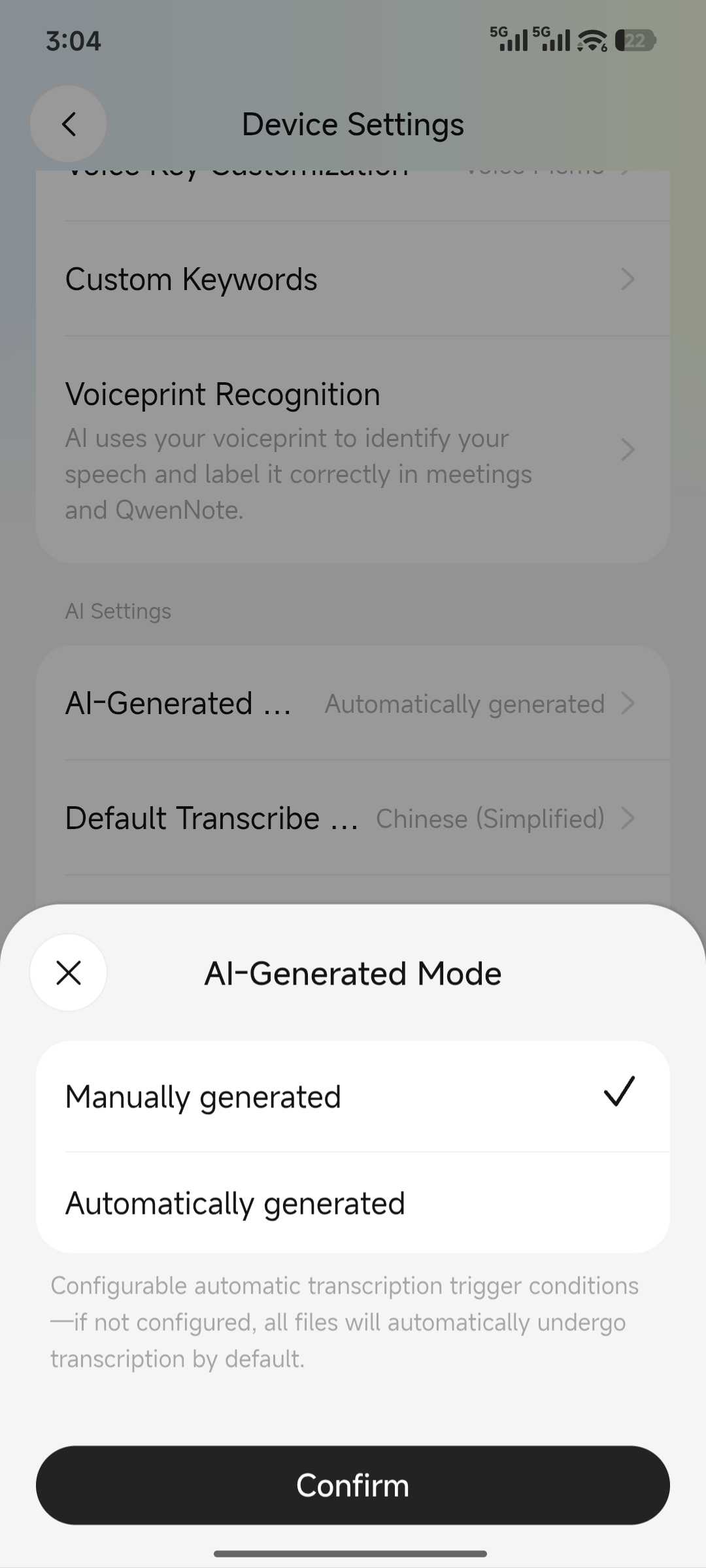
Automatic GenerationMinutes are generated automatically after recording ends. You can specify a template (regenerating minutes later does not consume additional duration) and set a duration range for transcription to skip recordings that are too short or too long.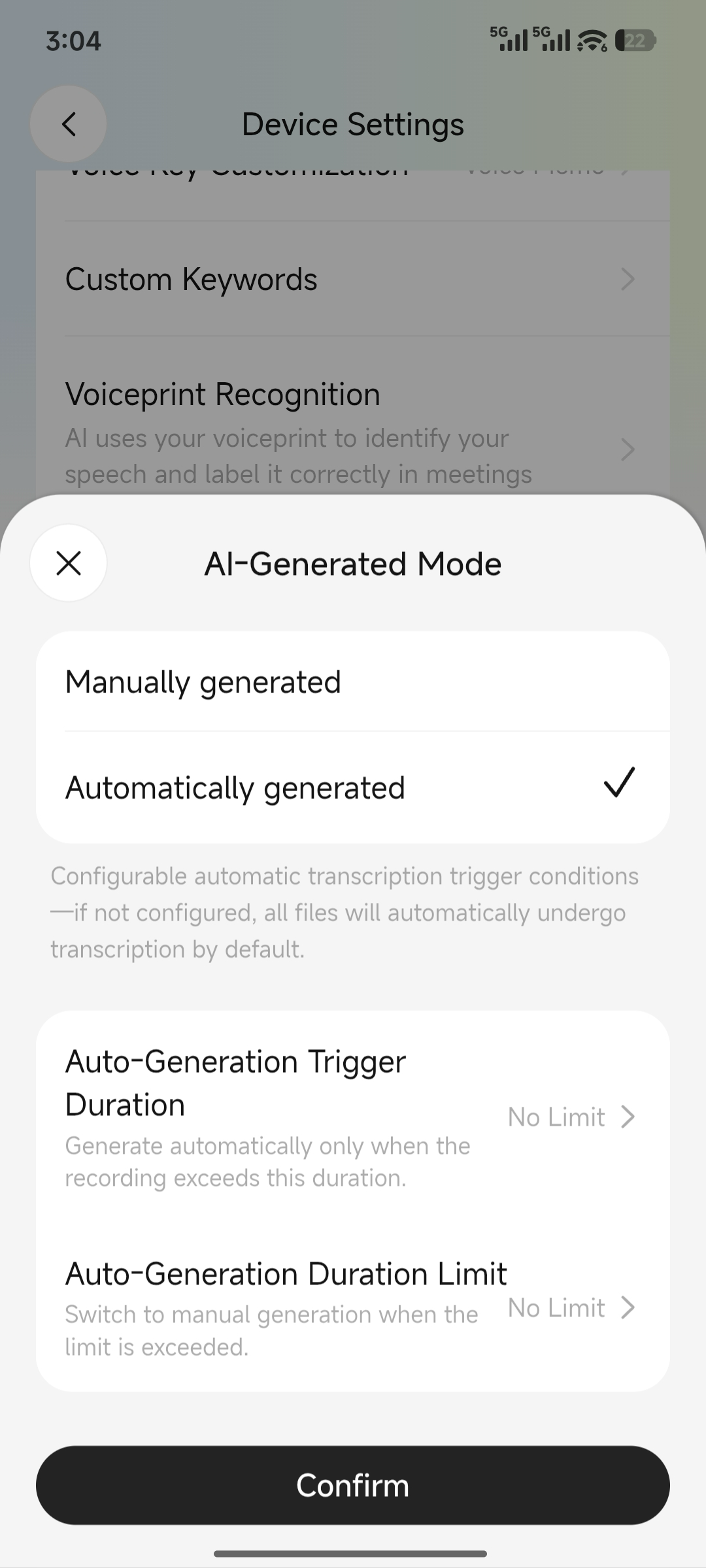
4. View Summaries and Transcriptions
1
On the app home screen, tap the record you want to view.
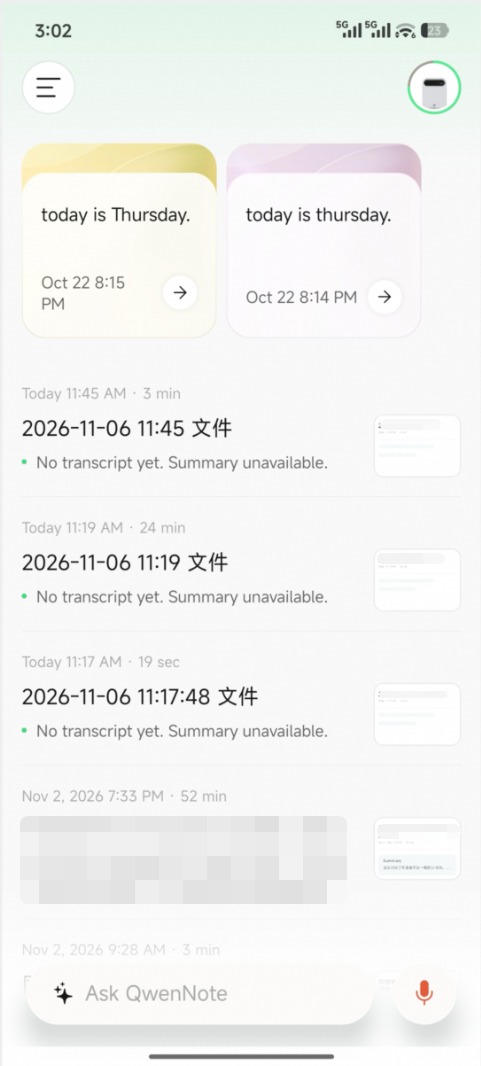
Select a Recording
2
On the recording details page, view minutes, action items, and more.
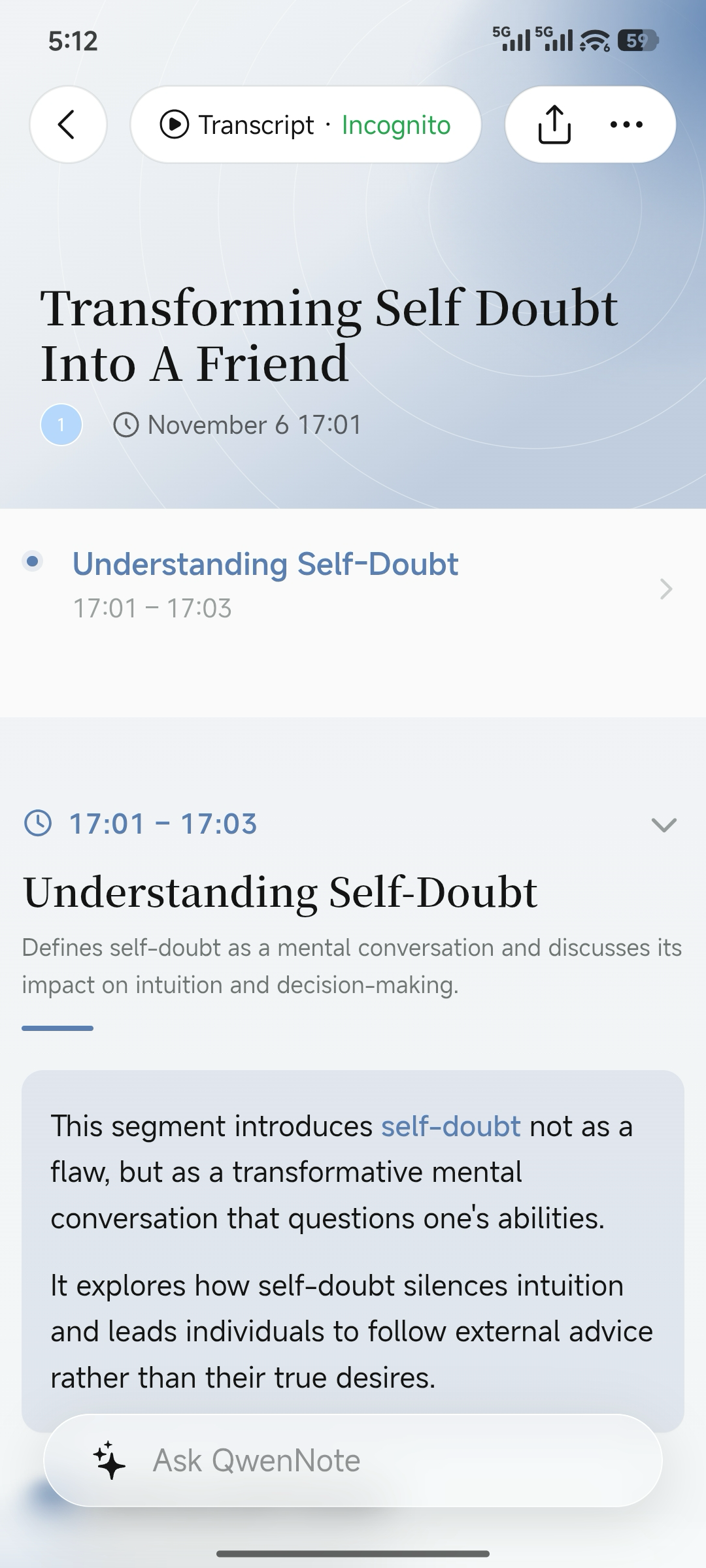
View Minutes and Action Items
3
To view the verbatim transcription, tap Original Text at the top of the page.
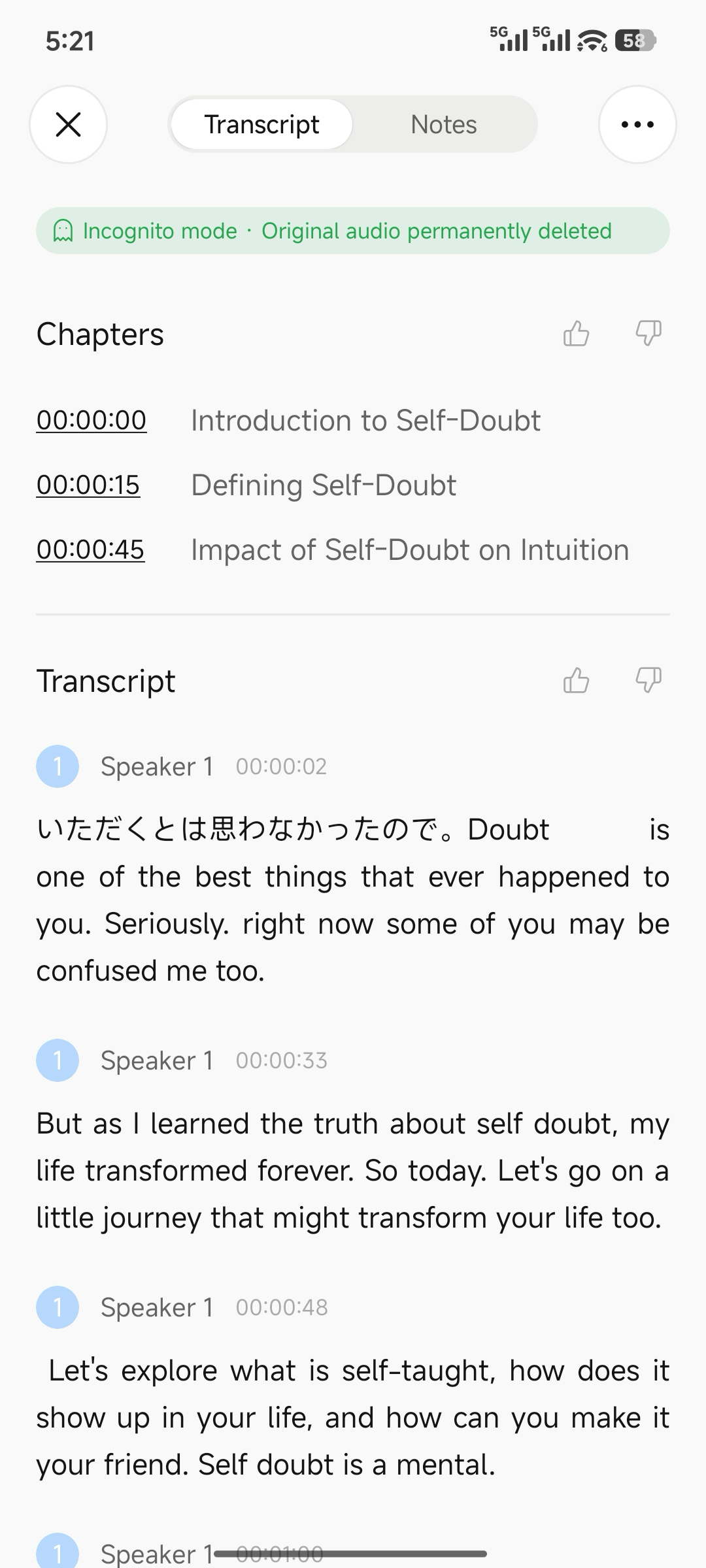
View Verbatim Transcription
5. Notes
- Summaries may fail to generate if the recording is too short or the audio is unclear.
- You can choose whether to retain the original audio: In Traceless Mode, the original audio is not stored and cannot be viewed or exported. If you choose to keep the recording, you can view and export the audio.
- We recommend reviewing the generated minutes before sharing them externally.